
This is the manual for the Casio DMC-3D1 VQT3U43 digital camera
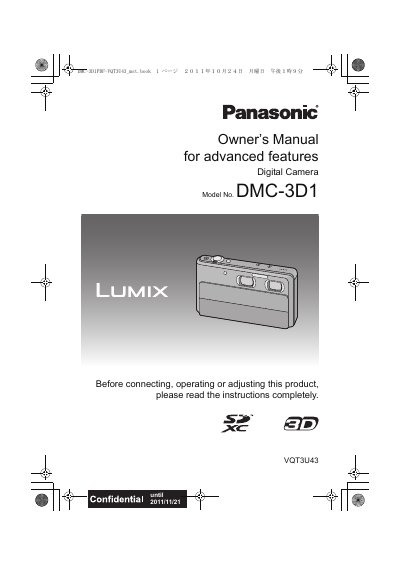
The Panasonic DMC-3D1 is a digital camera featuring two built-in lenses and a 3D/2D switch to record 3D pictures and motion pictures or conventional 2D content. It includes advanced touch panel operations for focusing, exposure, and zooming, as well as various scene modes and face recognition functions.
| Product Type | Digital Camera |
|---|---|
| Model Number | DMC-3 D1 |
| Lens Configuration | Two lenses built-in |
| Memory Support | Built-in memory and SD card |
It allows you to switch between recording 3D pictures and motion pictures or recording conventional 2D pictures and motion pictures.
Yes, the camera can record still pictures while recording motion pictures.
If condensation occurs, turn the camera off and leave it for about 2 hours until the temperature matches the ambient temperature.