
Panasonic DMC-FH20/FH3/FH1 Digital Camera Operating Instructions

This is a user manual for Sony digital camera
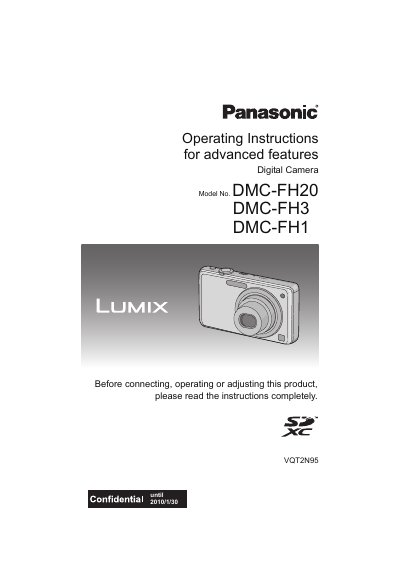

Panasonic DMC-FH20/FH3/FH1 Digital Camera Operating Instructions - cover page
Brand
Panasonic
Category
Digital cameras
Document type
User Manual
Language
English
Pages
143
File format
PDF
File size
3.5 MB
Published
09 August, 2012
Updated
30 September, 2023
MD5 checksum
4AE1E52637DE078F4B607B98B8F517DB

About this manual

This document provides operating instructions for the Panasonic DMC-FH20, DMC-FH3, and DMC-FH1 digital cameras. It covers basic usage including charging the battery, inserting memory cards, and turning the camera on. The guide details how to take pictures using Intelligent Auto Mode or Normal Picture Mode, utilizing features like optical zoom, macro mode, and various scene modes such as Portrait, Sports, and Night Scenery.

What's inside

  • Standard Accessories
  • Names of the Components
  • Charging the Battery
  • Inserting and Removing the Card/Battery
  • Taking Pictures (Intelligent Auto Mode)
  • Taking Pictures with Favorite Settings
  • Using the Zoom
  • Playing Back Pictures
  • Deleting Pictures
  • Connecting to other equipment

Frequently asked questions

Can I record pictures on built-in memory without a card?

Yes, you can record or play back pictures on the built-in memory when you are not using a card.

How many pictures can be recorded with a 4GB card?

The number of recordable pictures varies by mode; for example, in HD quality it is approximately 16 minutes and 30 seconds.

Does the Extended Optical Zoom work with all Scene Modes?

No, the Extended Optical Zoom does not work when [MACRO ZOOM] is set or in specific modes like [TRANSFORM], [HIGH SENS.], and others.

Download PDF (3.5 MB)

More Panasonic Manuals


View all Panasonic manuals →