
This document describes the features and characteristics of the AW-P model product, including the SDI card and interface bracket. It complies with FCC regulations and provides reasonable interference protection in a commercial environment, but may cause interference when used in residential areas. Users are reminded not to open the product, as there are no user-serviceable parts inside, and servicing should be performed by qualified personnel.
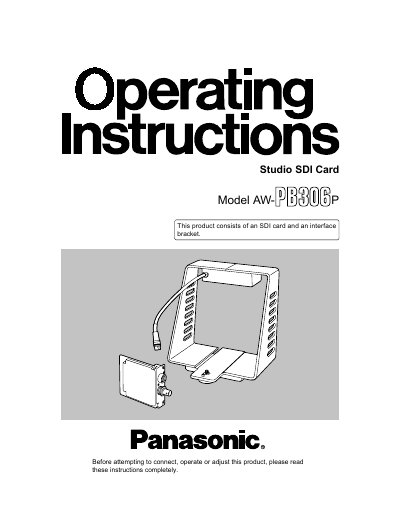
This manual covers the Panasonic AW-PB306P Studio SDI Card and Interface Bracket, designed to convert convertible cameras into studio cameras. The kit includes an SDI card and an interface bracket that allows the use of a viewfinder and inter-communications headset. It supports SDI signal output compliant with the SMPTE259M standard.
| SDI signal output standard | SMPTE259M standard |
|---|---|
| Maximum SDI cable length | 200 m |
| Compatible cameras | AW-E300, AW-E600, AW-E800A |
| Compatible viewfinders | WV-VF65B, AW-VF80 |
| Compatible remote control units | WV-RC700A, WV-RC550 |
No, the manual states to always ask a local dealer to install the SDI card.
Signals will not be output from the SDI card.