
This manual is the operating instructions of AK-HC3500P Multi-Format Camera. It introduces the features and characteristics of the product, as well as the usage methods.
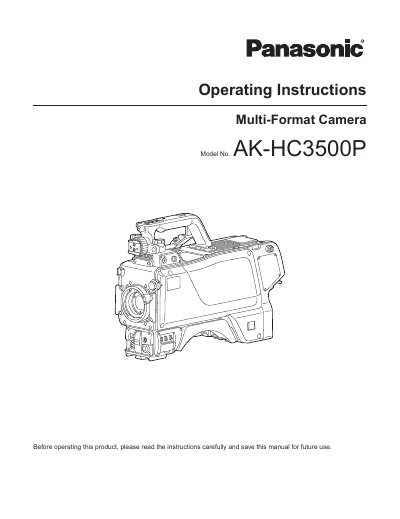
This manual provides operating instructions for the Panasonic AK-HC3500P, a new-generation multi-format HD camera supporting the 1080i format. The unit features a 2/3-inch 2.2-megapixel IT-CCD imaging device and a digital signal processor LSI chip that supports 14-bit A/D conversion for high picture quality.
| Imaging Device | 2/3-inch 2.2-megapixel IT-CCD |
|---|---|
| Resolution | 1920 (H) x 1080 (V) |
| Format Support | 1080i format |
| A/D Conversion | 14-bit |
| Smear Reduction | 130 dB |
Do not look directly into the Optical fiber connector when the product is turned on, as invisible Laser radiation is emitted.
No, users should not repair the unit themselves and must refer servicing to qualified personnel.