
This document describes in detail the safe use of AK-HRP931P products, including safety warnings, precautions for use, installation instructions, and maintenance instructions.
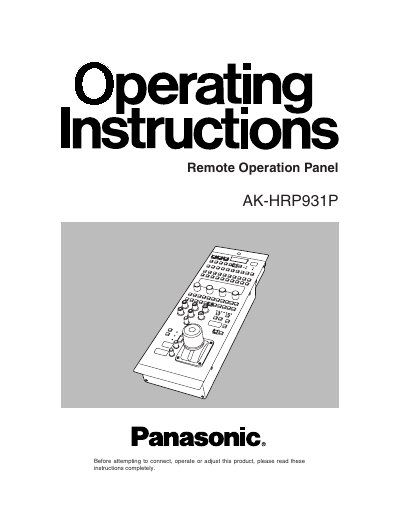
This document provides instructions for the Panasonic AK-HRP931P Remote Operation Panel (ROP), which is used to control a multi-format camera (AK-HC931P) and a camera control unit (CCU). The ROP connects to the camera via an optical fiber cable and to the CCU via a dedicated multi-cable, allowing for remote operation up to a maximum distance of 50 meters.
The manual details the functions of the various switches on the panel, including the ROP ON switch, camera power controls, video output selectors, and white balance adjustments. It also outlines operating precautions, such as the required temperature range of 0 °C to 40 °C, and maintenance procedures for cleaning the panel.
| Maximum cable distance | 50 meters |
|---|---|
| Operating temperature | 0 °C to 40 °C |
When the designated multi-cable is used, the distance can be extended to a maximum of 50 meters.
No, the manual explicitly states not to use the ROP outdoors.
The panel's operations are cancelled and it enters a protected status.