
Panasonic CF-51LCMDDBM Laptop Operating Instructions

This document is an instruction manual for the Panasonic CF-51 series personal computer, including information on getting started, operation, troubleshooting, etc.
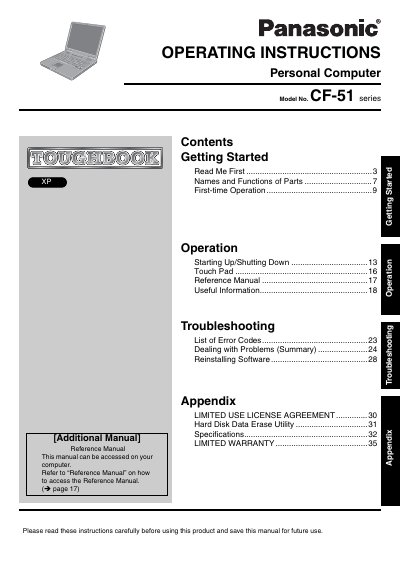

Panasonic CF-51LCMDDBM Laptop Operating Instructions - cover page
Brand
Panasonic
Category
Laptops
Document type
User Manual
Language
English
Pages
36
File format
PDF
File size
1.8 MB
Published
08 August, 2012
Updated
29 September, 2023
MD5 checksum
808F03E1CE22E21ABBAB2DF0D0E166E9

About this manual

This document serves as the Operating Instructions for the Panasonic CF-51LCMDDBM Personal Computer (Laptop). It provides guidance on getting started, including reading the manual, understanding part names and functions, and performing first-time operations. The guide also details procedures for starting up and shutting down the device, using the Touch Pad, and accessing the Reference Manual.

What's inside

  • Getting Started
  • Names and Functions of Parts
  • First-time Operation
  • Starting Up/Shutting Down
  • Touch Pad
  • Reference Manual
  • Troubleshooting
  • List of Error Codes
  • Specifications
  • Limited Warranty

Frequently asked questions

What is the model number of this computer?

The model number is CF-51LCMDDBM.

What is the minimum spacing required between the antenna and a person's body during wireless operation?

A minimum of 1.5 cm spacing must be provided between the antenna and all parts of a person's body.

What is the maximum total REN allowed on a telephone line?

The sum of RENs should not exceed five (5.0).

Download PDF (1.8 MB)

More Panasonic Manuals


View all Panasonic manuals →