
This manual describes the basic operations and usage of the CF-W2 series notebook computer.
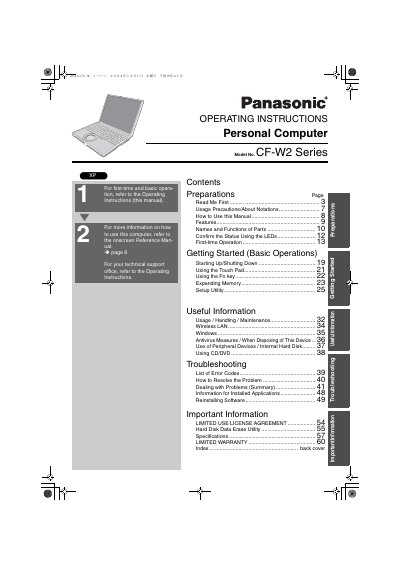
This manual provides operating instructions for the Panasonic Personal Computer Model No. CF-W2 Series. It covers essential topics including usage precautions, names and functions of parts, first-time operation procedures, starting up and shutting down, and using the touch pad and Fn key.
The document also details expanding memory, setup utility usage, wireless LAN configuration, antivirus measures, and handling peripheral devices such as internal hard disks and CD/DVD drives. A troubleshooting section lists error codes and provides guidance on resolving common problems.
| Operating Temperature | 5 °C to 35 °C (41 °F to 95 °F) |
|---|---|
| Storage Temperature | -20 °C to 60 °C (-4 °F to 140 °F) |
| Model Number Format | CF-W2 Series (e.g., CF-W2DWADZBM) |
Pull the plug if not being used for a long period, but do not pull it if your hands are wet.
Looking directly at the internal laser light source may result in damage to eyesight.