
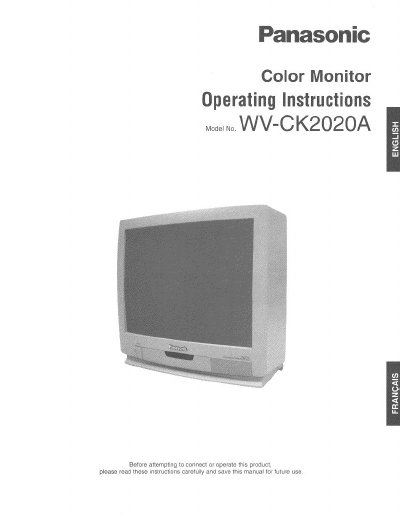
Panasonic WV-CK2020A Color Monitor Operating Instructions


Panasonic WV-CK2020A Color Monitor Operating Instructions - cover page
Brand
Panasonic
Category
Monitor
Document type
User Manual
Language
English
Pages
12
File format
PDF
File size
463 KB
Published
08 August, 2012
Updated
21 August, 2012
MD5 checksum
49E83837F0D2D430625973883B29A57A

About this manual

This manual provides operating instructions for the Panasonic WV-CK2020A Color Monitor. It details the major operating controls such as power, audio volume, and menu navigation to adjust picture settings like brightness, contrast, and color. The document also explains how to connect video and audio cables using BNC or RCA connectors.

What's inside

  • Preface
  • Features
  • Precautions
  • Major Operating Controls
  • Advanced Control Operation
  • Cable Information
  • Connection Diagrams
  • Specifications

Specifications

Screen Size (Visual)508mm diagonal actual visual size
Horizontal Resolution500 TV lines at center
Video Input1.0 V[p-p] composite/75Ω, BNC with Auto Termination
Speaker OutputMaximum 0.7W

Frequently asked questions

How do I reset the monitor to factory defaults?

Move the cursor to MONITOR RESET in the setup display and press the LEVEL (+) button.

Which cables are recommended for video connection?

The manual recommends RG-59/U, RG-6/U, RG-11/U, or RG-15/U coaxial cables.

Download PDF (463 KB)

More Panasonic Manuals


View all Panasonic manuals →