
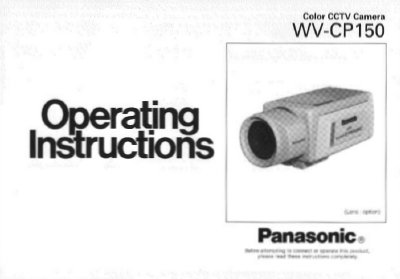
This manual provides instructions for the Panasonic WV-CP150 color digital camera, a high-resolution surveillance device featuring a 1/3-inch interline transfer CCD image sensor. It details the camera's built-in functions such as Auto Light Control, Electronic Light Control, and various sync options designed for advanced video surveillance applications.
| Image Sensor | 1/3-inch interline transfer CCD |
|---|---|
| Signal-to-noise ratio | 50 dB |
| Minimum illumination (F1.4) | 3 lux |
| Minimum illumination (F0.75) | 0.9 lux |
| Horizontal Resolution | 480 lines |
| Operating Temperature | -10°C - +50°C |
No, there are no user serviceable parts inside and servicing should be referred to qualified service personnel.
The camera should be used where the temperature is between -10°C and +50°C.
Use lens tissue or a cotton tipped applicator and ethanol; do not use strong detergents.