
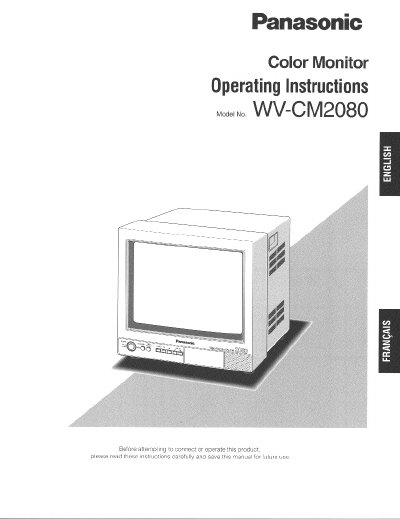
This manual provides operating instructions for the Panasonic WV-CM2080 Color Monitor. It details the monitor's features, including a 20-inch viewable area with 500 TV lines horizontal resolution and support for composite and S-video inputs. The document explains how to use the front panel controls for power, input selection, and menu navigation.
| Viewable Area | Approx. 510 mm (20-inch) |
|---|---|
| Horizontal Resolution | 500 TV lines |
| Inputs | Two composite and one S-video |
| Power Source | 120 V AC 60 Hz |
| Operating Temperature | -10°C - +50°C |
| Maximum Speaker Output | 0.7 W |
The monitor has three selectable inputs: two composite and one S-video input.
Pressing the Standby Button toggles the display mode between normal display, lower brightness, and blackout.