
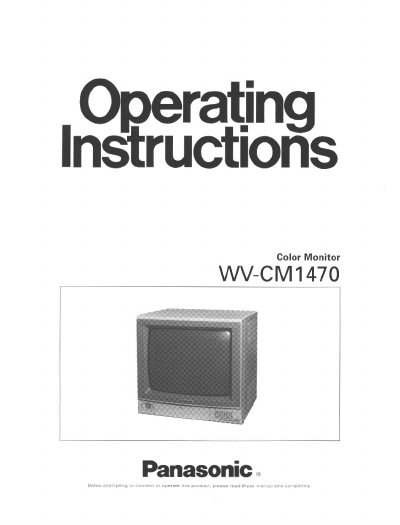
Panasonic WV-CM1470 Color Monitor Operating Instructions


Panasonic WV-CM1470 Color Monitor Operating Instructions - cover page
Brand
Panasonic
Category
Monitoring Equipment
Document type
User Manual
Language
English
Pages
11
File format
PDF
File size
343 KB
Published
08 August, 2012
Updated
20 August, 2012
MD5 checksum
753992C39EF685855505B5874D3762EC

About this manual

This manual provides operating instructions for the Panasonic WV-CM1470 Color Monitor, a high-resolution S-VIDEO monitor designed for monitoring camera pictures. It details the major operating controls, including power, input selection, and picture/audio adjustments, as well as precautions for safe operation.

What's inside

  • Preface
  • Features
  • Precautions
  • Major Operating Controls
  • Connections
  • Rack Mounting
  • Specifications

Specifications

Screen SizeApprox. 14" diagonal
Input Power120V AC 60Hz
Operating Temperature-10°C - +50°C
Max Speaker Output0.7W

Frequently asked questions

What is the maximum number of monitors that can be connected?

Do not connect more than 10 monitors regardless of the diameter of the cable.

Which switch should be used to select the video signal for INPUT B?

Use the Input Signal for INPUT B Selection Switch (S-VIDEO/VIDEO).

When should the AFC time constant be set to LONG?

Select LONG when the video signal is jittery.

Download PDF (343 KB)

More Panasonic Manuals


View all Panasonic manuals →