
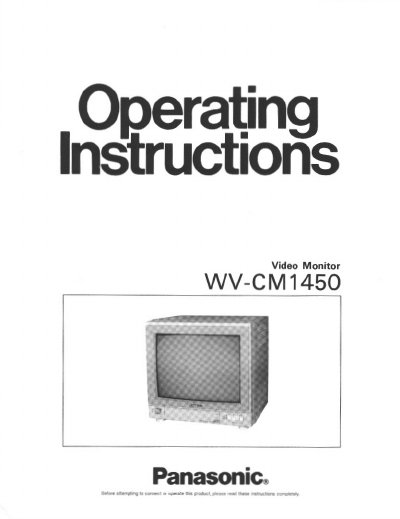
Panasonic WV-CM1450 Video Monitor Operating Instructions


Panasonic WV-CM1450 Video Monitor Operating Instructions - cover page
Brand
Panasonic
Category
Monitoring Equipment
Document type
User Manual
Language
English
Pages
9
File format
PDF
File size
361 KB
Published
08 August, 2012
Updated
20 August, 2012
MD5 checksum
D110C0C81F6CB73E78FA25F6C88CD24B

About this manual

This document provides operating instructions for the Panasonic WV-CM1450 video monitor. It details the major operating controls including power, input selection, picture adjustments (tint, color, brightness, contrast), and audio volume. The manual also explains how to use the various input connectors for composite video, S-Video, and audio signals across four channels.

What's inside

  • Preface
  • Features
  • Precautions
  • Major Operating Controls
  • Cable Information
  • System Connections
  • Appearance

Specifications

Diagonal SizeApprox. 14"
Input Power120 V AC at 60 Hz
Ambient Temperature-10°C - +50°C
Speaker Output PowerMax. 1.3W

Frequently asked questions

Which video systems does the monitor support?

The monitor supports PAL, NTSC, and M-NTSC (Modified NTSC) systems.

What happens if the power is off for more than 72 hours?

The video and audio input signal will reset to channel 1.

What type of cable is recommended for connections?

A 75-ohm coaxial cable such as RG-59/U or RG-6/U is recommended.

Download PDF (361 KB)

More Panasonic Manuals


View all Panasonic manuals →