
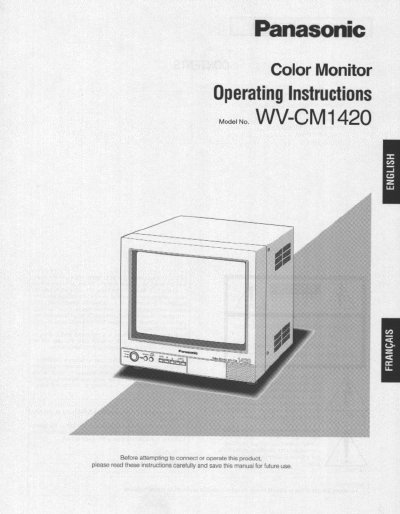
The Panasonic WV-CM1420 is a 13-inch color monitor featuring a high-resolution video input with approximately 370 TV lines of horizontal resolution. It supports two selectable composite video inputs and includes an onscreen menu for adjusting display settings such as brightness, contrast, sharpness, color, and tint. The monitor also offers two standby modes for power saving: lower display brightness and complete blackout.
| Viewable Area | Approx. 335 mm (13-inch) |
|---|---|
| Horizontal Resolution | 370 TV lines |
| Inputs | Two composite inputs |
| Speaker Output | 0.5 W |
| Operating Temperature | -10°C to +50°C |
| Humidity | Below 90% |
| Input Power | 120 V AC 60 Hz |
The monitor supports English, French, and Spanish for the display language.
Up to 10 monitors can be connected in series before signal loss occurs.
The two standby modes are lower display brightness and blackout (no display).