
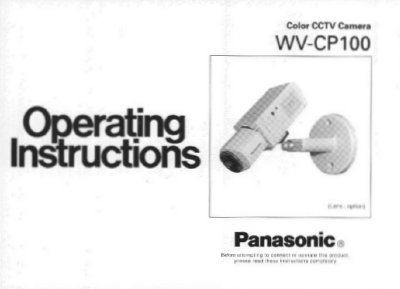
This manual provides instructions for the Panasonic WV-CP100 Color CCTV Camera, a low-end color camera utilizing a 1/3 inch interline transfer CCD. It details the camera's features, including a minimum illumination of 0.06 footcandle and 330 lines of horizontal resolution. The document explains how to use the electronic light control (ELC) function for indoor scenes and describes the various operating controls.
| Image Sensor | 1/3 inch interline transfer CCD |
|---|---|
| Resolution | 512 (H) x 492 (V) pixels |
| Horizontal Resolution | 330 lines |
| Signal-to-Noise Ratio | 46 dB |
| Minimum Illumination | 0.06 footcandle (0.6 lux) |
| Operating Temperature | 14°F - 122°F (-10°C - +50°C) |
| Operating Humidity | below 90% |
Yes, the camera can shoot indoor scenes with a fixed iris lens by using the Electronic Light Control (ELC) function.
The ATW control adjusts the level of red and blue color balance when the ATW switch is set to the ON position.
Use the AGC ON/OFF switch to select the gain; ON increases gain for clear pictures in low light, while OFF provides a natural, low-noise picture.