
This document describes the features and characteristics of the UF-7950 and UF-6950 fax machines, including network scanning, internet fax/email features, etc.
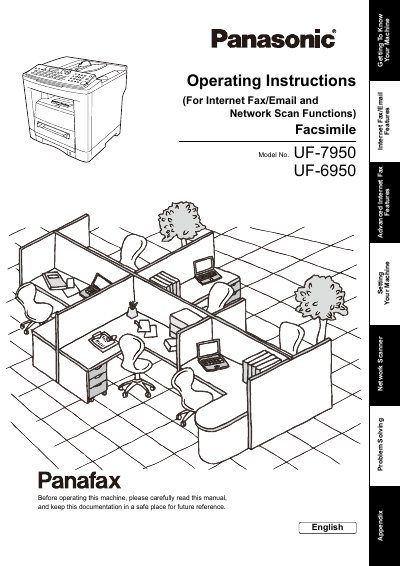
This manual provides operating instructions for the Fujitsu UF-7950 and UF-6950 Network Scanners. It details the machine's capabilities regarding Internet Fax/Email transmission and reception, as well as network scanning functions to send documents directly to a PC.
The guide covers pre-installation information, setting up internet communication parameters (SMTP, POP3), programming the auto dialer and address book, and performing document scanning via LAN. It also includes an operation chart for sending and receiving documents, troubleshooting steps for error messages, and technical specifications.
| Standard Compliance | 10BASE-T Ethernet (IEEE 802.3), 100BASE-TX Fast Ethernet (IEEE802.3u) |
|---|---|
| Communication Protocol | TCP/IP, SMTP, POP3, MIME |
| File Format (Transmission) | TIFF [IETF RFC 3949 Profile S, F, J], PDF |
| Scanning Resolution (ADF) | Standard: 150 dpi, Fine: 300 dpi, Super-Fine: 600 dpi |
| Max Scanning Area (ADF) | 8.5 x 14 inches (216 x 356 mm) |
| Compression Format | MH, MR, MMR, JBIG |
The machine supports TIFF and PDF formats for Internet Fax/Email transmission.
Yes, the machine can send document(s) to a station (PC) via LAN.
The available resolutions are Standard at 150 dpi, Fine at 300 dpi, and Super-Fine at 600 dpi.