
This unit is compatible with Caller ID. Subscription to the appropriate service through your service provider/telephone company is required. This product has multi-function laser fax capability, supports English and Spanish display and reports. Erase the stored private/confidential information before disposing of, transferring or returning the product. The product incorporates concern for the environment into all aspects of the product life cycle, from product development to energy saving designs; from greater product reusability to waste-conscious packaging practices. Please visit www.panasonic.com/environmental for more information.
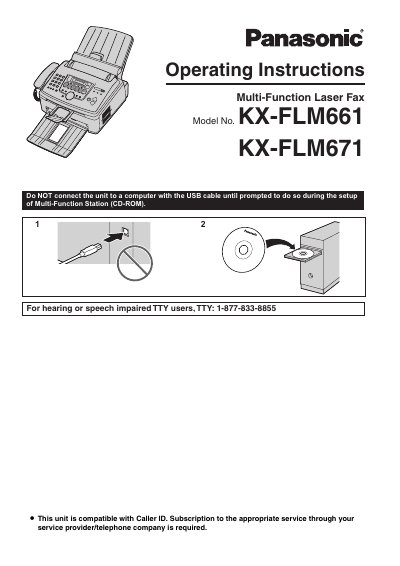
This manual provides operating instructions and safety information for the Panasonic KX-FLM661 and KX-FLM671 Multi-Function Laser Fax units. It includes details on supplied accessories, installation procedures, and basic operations such as printing, scanning, copying, and sending or receiving faxes.
Additionally, the document covers important safety precautions regarding laser and LED radiation, guidelines for handling the toner cartridge and drum unit, telephone operations, caller ID, distinctive ring services, programmable features, and routine maintenance.
| Starter Toner Cartridge Yield | Prints about 800 letter-size pages with a 5% coverage |
|---|
You can select either English or Spanish. The default setting is English, and the display and reports will appear in the selected language.
Do not expose the drum unit to light for more than 5 minutes, and avoid touching or scratching the green drum surface.