
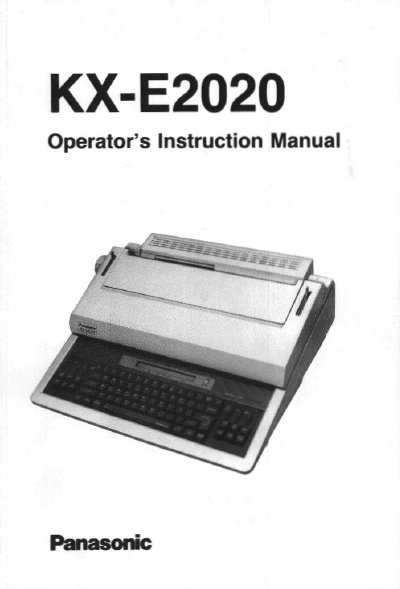
Panasonic KX-E2020 Electronic Typewriter Operator's Instruction Manual


Panasonic KX-E2020 Electronic Typewriter Operator's Instruction Manual - cover page
Brand
Panasonic
Category
Office Equipment
Document type
User Manual
Language
English
Pages
180
File format
PDF
File size
2.7 MB
Published
08 August, 2012
Updated
31 August, 2012
MD5 checksum
C2D78E5271FC4BB876B7E6EF06CB48E5

About this manual

The Panasonic KX-E2020 is an advanced electronic typewriter designed to help users prepare typing projects simply and efficiently. This Operator's Instruction Manual guides you through the device's capabilities, including automatic paper insertion and ejection, various correction methods, and automated typing features like bold print and underscore.

What's inside

  • Learning the Basics
  • Keyboard Layout
  • Default Settings
  • Display Overview
  • Using the Typewriter
  • Automated Typing Features
  • Memory Management
  • Applications
  • SpellCorrect
  • Text Management

Specifications

Product TypeElectronic Typewriter
RegionUnited States Only

Frequently asked questions

How do I correct errors on the same line?

You can use the correction memory or the no print method to make corrections.

What voltage must the typewriter be plugged into?

You must plug the unit into an outlet with the proper voltage, which is listed on the nameplate.

What should you do if the typewriter causes interference to radio or television reception?

Turn the equipment off and on to determine if it causes interference, then try reorienting the antenna or increasing separation.

Where is the serial number located?

The serial number may be found on the inside label of the unit.

Download PDF (2.7 MB)

More Panasonic Manuals


View all Panasonic manuals →