
This document provides operating instructions for the Panasonic LCD projector, including features and characteristics of the product.
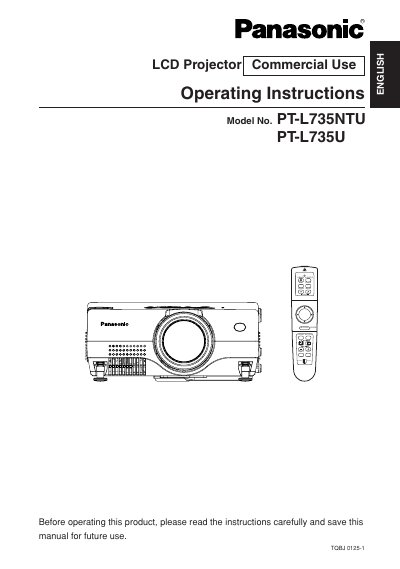
This manual provides comprehensive operating instructions for the Panasonic PT-L735NTU and PT-L735U LCD projectors. It covers essential safety precautions, preparation steps, and detailed guidance on connecting the projector to various video and computer equipment. The document explains how to use the remote control, adjust picture and audio settings, and configure network or SD card functions.
| Power Supply | 100 V – 240 V, 50 Hz/60 Hz AC |
|---|
Turn off the power and disconnect the power cord from the wall outlet immediately.
The projector is designed to operate on 100 V – 240 V, 50 Hz/60 Hz AC house current.
You must obtain a separate 250 V power cord if you need to use higher voltages than 125 V.
You must not remove the grounding pin on the power plug because it is a safety feature.