
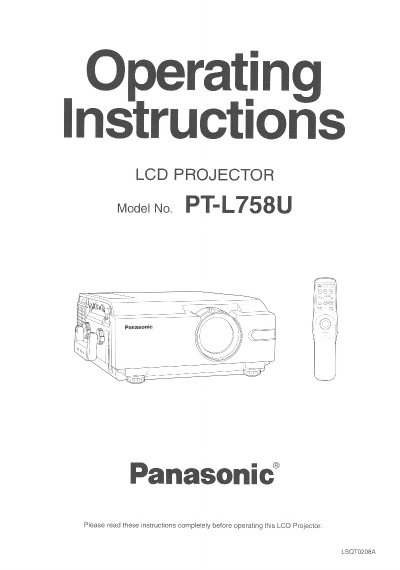
Panasonic PT-L758U LCD Projector Operating Instructions


Panasonic PT-L758U LCD Projector Operating Instructions - cover page
Brand
Panasonic
Category
Projector
Document type
User Manual
Language
English
Pages
60
File format
PDF
File size
2.1 MB
Published
07 August, 2012
Updated
31 August, 2012
MD5 checksum
60892AA0FE52291FA9D5E29E4A63890A

About this manual

This document provides operating instructions for the Panasonic PT-L758U LCD Projector. It includes important safety safeguards, features of the device, and a list of contents included in the box.

The manual details how to adjust the image position, horizontal size, and phase, as well as using various useful functions such as the JPEG Viewer feature and Auto Setup. It also covers system configuration examples for projecting DTV format signals.

What's inside

  • Things You Should Know
  • Important Safeguards
  • LCD Projector Features
  • Contents of LCD Projector Box
  • Product Information
  • Adjusting the Image Position
  • Using Other Useful Functions
  • System Configuration Example

Frequently asked questions

How often should the air filter be cleaned?

The air filter should be cleaned every 100 lamp hours to prevent the projector from becoming too hot.

What type of power outlet is required for the projector?

The projector is equipped with a 3-prong grounded plug that fits only into a grounding type power outlet.

What should you do if the projector does not operate normally?

You should unplug the equipment and refer servicing to qualified service personnel rather than attempting to fix it yourself.

Download PDF (2.1 MB)

More Panasonic Manuals


View all Panasonic manuals →