
This document is about the operating instructions for an LCD projector, including preparation and precautions before use.
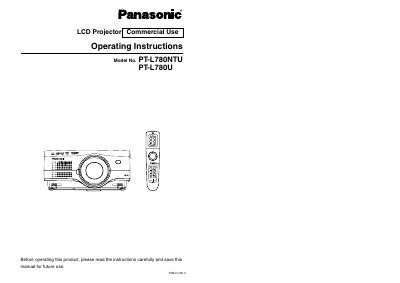
This manual provides operating instructions for the Panasonic PT-L780NTU and PT-L780U commercial LCD projectors. It covers essential safety precautions, preparation steps including remote control usage, and various connection methods for video equipment and computers.
The guide details basic operations such as power management, on-screen menu navigation, and adjusting picture settings like color, contrast, and keystone correction. Advanced operation sections include option settings for network control, lens adjustments, and procedures for replacing the lamp unit.
| Power Supply | 100 V - 240 V, 50 Hz/60 Hz AC |
|---|
The projector uses a three-pin grounding-type power plug and must be inserted into a matching grounding outlet.
No, the supplied accessory cord can only be used for supplies up to 125 V; higher voltages require a separate 250 V cord.