
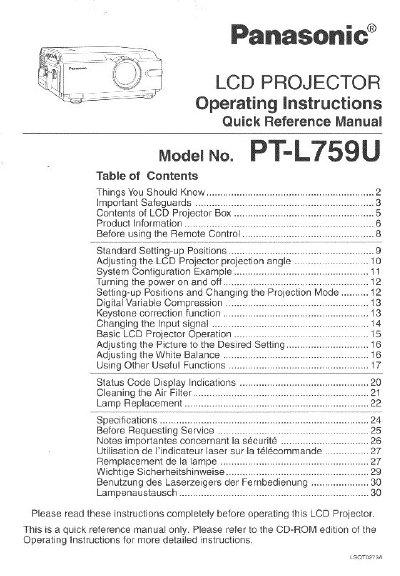
Panasonic PT-L759U LCD Projector Operating Instructions Quick Reference Manual


Panasonic PT-L759U LCD Projector Operating Instructions Quick Reference Manual - cover page
Brand
Panasonic
Category
Projector
Document type
User Manual
Language
English
Pages
32
File format
PDF
File size
1009 KB
Published
07 August, 2012
Updated
31 August, 2012
MD5 checksum
10C6DC0DFC43D8D9B7D7E296D919B722

About this manual

This document serves as a quick reference guide for the Panasonic PT-L759U LCD Projector. It provides essential information for setting up the device, including adjusting projection angles and keystone correction, as well as basic operating procedures for turning the power on and off and changing input signals. The manual also details how to adjust picture settings, white balance, and utilize useful functions like digital variable compression.

What's inside

  • Important Safeguards
  • Contents of LCD Projector Box
  • Before using the Remote Control
  • Setting-up Positions
  • Basic LCD Projector Operation
  • Adjusting the Picture
  • Cleaning the Air Filter
  • Lamp Replacement
  • Specifications
  • Before Requesting Service

Specifications

Power Cord Length9.8 Foot
Remote Control Unit ModelLRQ90044
VGA Cable ModelLSJA0239
Power Cord ModelVJAS0179

Frequently asked questions

How often should the air filter be cleaned?

The air filter should be cleaned every 100 lamp hours to prevent the projector from becoming too hot.

What type of batteries are required for the remote control?

The remote control requires 2 'AA' batteries.

Can I use attachments not recommended by Panasonic?

No, you should not use attachments not recommended by Panasonic as they may cause hazards.

Download PDF (1009 KB)

More Panasonic Manuals


View all Panasonic manuals →