
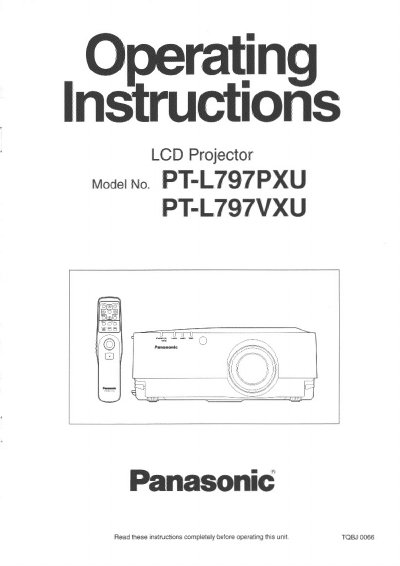
Panasonic PT-L797PXU/PT-L797VXU LCD Projector Operating Instructions


Panasonic PT-L797PXU/PT-L797VXU LCD Projector Operating Instructions - cover page
Brand
Panasonic
Category
Projector
Document type
User Manual
Language
English
Pages
64
File format
PDF
File size
2.2 MB
Published
07 August, 2012
Updated
31 August, 2012
MD5 checksum
4A398EEFDBF2FAB6F6B2617EFE72A152

About this manual

This document serves as the operating instruction booklet for the Panasonic PT-L797PXU and PT-L797VXU LCD projectors. It provides comprehensive guidance on getting started with the device, including locating parts, using the remote control, and performing standard setup procedures such as adjusting the lens and projection method.

The manual details how to operate the projector's various functions, including selecting picture modes, adjusting white balance and sound, and correcting picture position automatically. It also covers essential maintenance tasks like cleaning air filters and replacing lamp units, along with important safety notices regarding electrical hazards and proper installation.

What's inside

  • IMPORTANT SAFETY NOTICE
  • Precautions with regard to safety
  • Location and function of each part
  • Menu operation guide
  • Turning the power on and off
  • Adjusting the lens
  • Selecting the picture mode
  • Cleaning the air filter
  • Lamp unit replacement period
  • Specifications

Specifications

Power Supply100-240 volts, 50/60 Hz AC

Frequently asked questions

How often should the inside of the projector be cleaned?

An Authorized Service Center should clean inside the projector at least once a year.

Can I use the accessory power cord for voltages higher than 125 V?

No, you need to obtain a separate 250-V power cord if using higher voltages or currents.

Download PDF (2.2 MB)

More Panasonic Manuals


View all Panasonic manuals →