
Panasonic PT-L780NTU/PT-L750U LCD Projector Operating Instructions

This manual provides information on operating the PT-L780NTU and PT-L750U LCD projectors.
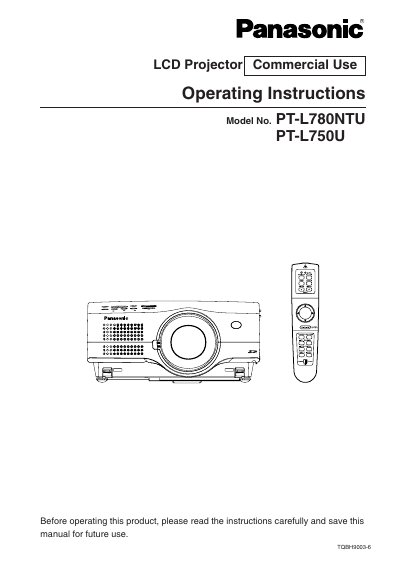

Panasonic PT-L780NTU/PT-L750U LCD Projector Operating Instructions - cover page
Brand
Panasonic
Category
Projector
Document type
User Manual
Language
English
Pages
146
File format
PDF
File size
7.8 MB
Published
07 August, 2012
Updated
30 September, 2023
MD5 checksum
FDCF67DD3E59580D9124957C5C8058D0

About this manual

This manual provides operating instructions for the Panasonic PT-L780NTU and PT-L750U commercial LCD projectors. It covers essential safety precautions, preparation steps including unpacking and locating parts, and detailed connection examples for video equipment and computers.

The guide details basic operations such as turning power on and off, using the remote control unit, and adjusting picture settings like color, brightness, and keystone correction. Advanced sections explain network setup, SD card usage, lens adjustments, and procedures for replacing the lamp unit or air filter.

What's inside

  • Precautions with regard to safety
  • Location and function of each part
  • Using the remote control unit
  • Connections (Video/Computer)
  • Adjusting the picture
  • Advanced Operation (Network/Web Control)
  • Lens adjustment
  • Cleaning and replacing the air filter
  • Replacing the lamp unit

Specifications

Power Supply100 V - 240 V, 50 Hz/60 Hz AC
Power Cord Limit (Accessory)Up to 125 V, 10 A

Frequently asked questions

What should I do if smoke or a strange smell comes from the projector?

Turn off the power and disconnect the power cord from the wall outlet immediately.

What happens if I use the accessory power cord with higher voltages than 125V?

Fire may result because the cord is only rated up to 125 V, 10 A.

Download PDF (7.8 MB)

More Panasonic Manuals


View all Panasonic manuals →