
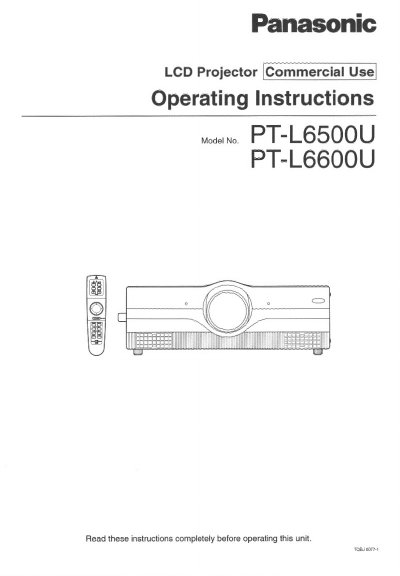
Panasonic PT-L6500U/PT-L6600U LCD Projector Operating Instructions


Panasonic PT-L6500U/PT-L6600U LCD Projector Operating Instructions - cover page
Brand
Panasonic
Category
Projector
Document type
User Manual
Language
English
Pages
60
File format
PDF
File size
2.1 MB
Published
07 August, 2012
Updated
31 August, 2012
MD5 checksum
A6E186C2DB3F8AD7F530FAB7DEB27221

About this manual

This manual provides operating instructions for the Panasonic PT-L6500U and PT-L6600U commercial LCD projectors. It details safety precautions, system setup, and the use of accessories such as the remote control and taser pointer. The guide explains how to connect various AV products and PCs, adjust projection geometry, and operate the on-screen display menus for picture and signal settings.

What's inside

  • IMPORTANT SAFETY NOTICE
  • Accessories
  • Using the Remote Control
  • Projection Schemes
  • On-Screen Menus
  • Adjusting the Picture
  • Lamp Replacement
  • Specifications

Frequently asked questions

What is the intended use of this projector?

This manual covers the Panasonic LCD Projector for Commercial Use.

Where can I find the serial number of my product?

The serial number may be found on the back of the projector.

Download PDF (2.1 MB)

More Panasonic Manuals


View all Panasonic manuals →