
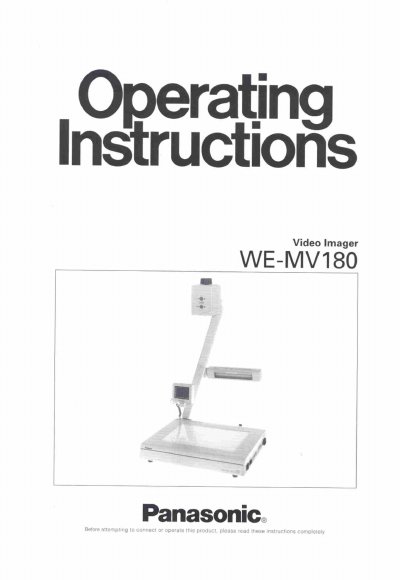
The Panasonic WE-MV180 is a video imager designed to project images of documents or objects onto a video monitor. It features a 768-horizontal pixel CCD image sensor, a 12x power zoom lens, and the ability to project lighted objects or transparent documents using backlighting. The unit includes an LCD monitor for previewing images and various input connectors for external video and audio sources.
| Horizontal Resolution | 460 lines |
|---|---|
| Vertical Resolution | 350 lines |
| Zoom Lens | Times twelve power zoom lens |
| Operating Temperature | 5°C - 35°C |
| Relative Humidity | below 80% |
| Input Power Source | 120V AC 60 Hz |
It takes about nine seconds to display the image on the video monitor after turning the power on.
Place a white paper on the stage, zoom to the desired size, and press the WHITE BALANCE button. It takes about two seconds to adjust.