
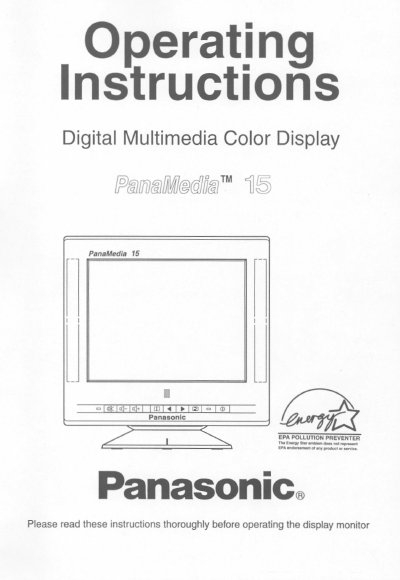
This manual provides operating instructions for the Panasonic PanaMedia 15, a 15-inch digital multimedia color display monitor. It includes safety precautions, installation steps, connection details, and operation guides for the on-screen display and various adjustments. The document also covers troubleshooting and technical support information.
| CRT Type | 15-inch (viewable area 14.0 inches / 35.6 cm) flat screen |
|---|---|
| Dot pitch | 0.27mm |
| Maximum resolution | 1280 dots(H) x 1024 lines(V) / 60Hz |
| Power consumption | 120W (typ.) / <8W sleep mode |
| Weight | 33 lbs. (15.0Kg) |
| Operating Temperature | 0 to 35°C (32 to 95°F) |
The on-screen menu is available in 5 languages: English, French, German, Spanish, or Italian.
The allowable horizontal frequency range is 30.0kHz to 69.0KHz.
The video input uses 15-pin mini D-sub connectors (female pins).