
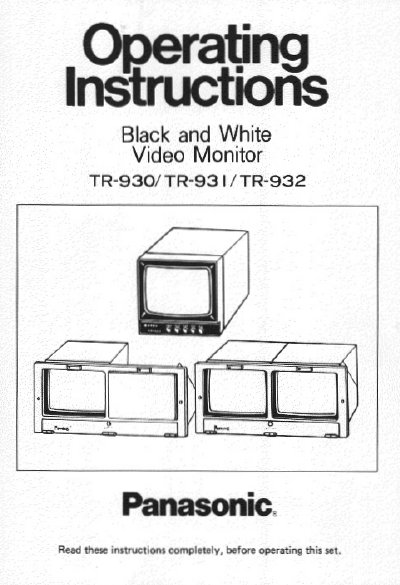
Panasonic TR-930 TR-931 TR-932 Manual


Panasonic TR-930 TR-931 TR-932 Manual - cover page
Brand
Panasonic
Category
Monitoring Equipment
Document type
User Manual
Language
English
Pages
8
File format
PDF
File size
285 KB
Published
07 August, 2012
Updated
24 August, 2012
MD5 checksum
A6CD02CD6594DF8DE71D393730BD535E

About this manual

This instruction booklet covers the setup and operation of the Panasonic TR-930, TR-931, and TR-932 black and white video monitors. It includes safety precautions regarding power grounding and environmental conditions, as well as step-by-step procedures for powering on the unit and adjusting picture controls such as brightness, contrast, and hold functions.

What's inside

  • Customer's Record
  • Precautions
  • Operating Components
  • Operating Procedure
  • Connections
  • Specifications

Frequently asked questions

What are the operating ambient temperature and humidity limits?

The monitor is designed for indoor use with an ambient temperature range of 32°F to 105°F (0°C to +40°C) and should not be used when humidity is above 65%.

How do I adjust the picture if it slips to either side?

You should adjust the Horizontal Hold control until the picture is stabilized.

Download PDF (285 KB)

More Panasonic Manuals


View all Panasonic manuals →