
Panasonic KX-FHD351 Fax Advantage Assistance Operating Instructions

This is a Panasonic KX-FHD351 fax machine instruction manual.
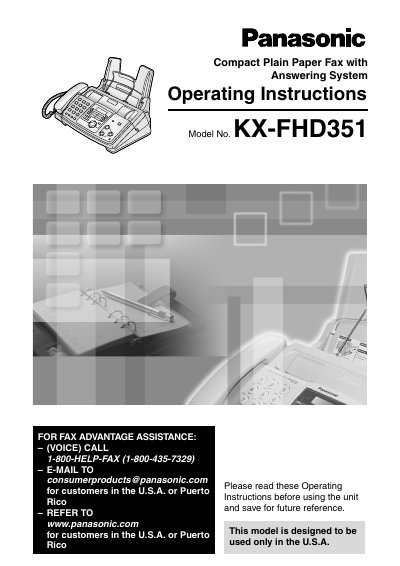

Panasonic KX-FHD351 Fax Advantage Assistance Operating Instructions - cover page
Brand
Panasonic
Category
Printer
Document type
User Manual
Language
English
Pages
104
File format
PDF
File size
2.7 MB
Published
07 August, 2012
Updated
30 September, 2023
MD5 checksum
938C0F025BAF58FB23E5C83D130AFCF4

About this manual

This manual provides operating instructions for the Panasonic KX-FHD351 Compact Plain Paper Fax with Answering System. It details initial preparation, installation, and connections, as well as how to use the fax machine for sending and receiving documents. The device is designed for use in the U.S.A. and Puerto Rico.

What's inside

  • Initial Preparation
  • Installation
  • Connections and Setup
  • Fax Sending
  • Receiving Faxes
  • Copy
  • Answering Device
  • Voice Mailbox
  • Programmable Features
  • Error Messages

Specifications

Product TypeCompact Plain Paper Fax with Answering System
Model NumberKX-FHD351
RegionU.S.A. or Puerto Rico
Ink Film Length10 meters (32 1/2')

Frequently asked questions

How do I get assistance for the Fax Advantage Assistance?

Call 1-800-HELP-FAX (1-800-435-7329) or email [email protected] for customers in the U.S.A. or Puerto Rico.

What is the length of the included ink film?

The included film roll is 10 meters (32 1/2') long.

Can I use this fax machine near water?

No, do not use this unit near water, for example near a bathtub, wash bowl, kitchen sink, or the like.

Download PDF (2.7 MB)

More Panasonic Manuals


View all Panasonic manuals →