
This product is a Panasonic multi-function laser fax machine. It integrates fax, telephone, copier, scanner, PC Fax and printer functions to provide more efficient office or home use.
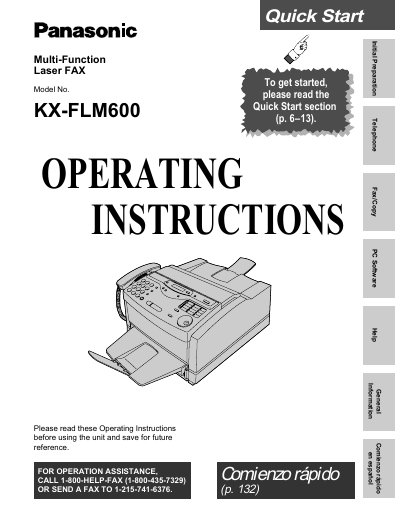
This document is a Quick Start guide for the Panasonic KX-FLM600 Multi-Function Laser FAX. It provides step-by-step instructions for initial setup, including removing shipping tape, installing the toner cartridge and drum unit, and loading recording paper. The guide also details how to connect the handset, telephone line, and power cord.
| Product Type | Multi-Function Laser FAX |
|---|---|
| Included Toner Model | KX-FA75 |
| Power Requirements | 120 V, 60 Hz |
The recommended genuine Panasonic toner cartridge is Model No. KX-FA75.
Open the top cover, remove the protection cap from the cartridge, rock it side to side, and install it by holding the two tabs.