
Panasonic KX-FL501C High Speed Laser Fax Operating Instructions

This is an operating manual for Panasonic KX-FL501C fax machine. It introduces the functions and usage of the machine.
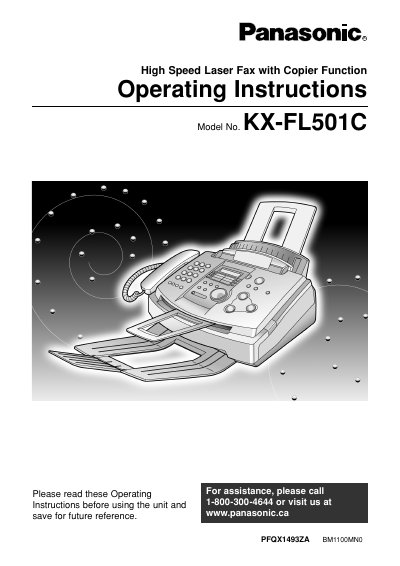

Panasonic KX-FL501C High Speed Laser Fax Operating Instructions - cover page
Brand
Panasonic
Category
Printer
Document type
User Manual
Language
English
Pages
82
File format
PDF
File size
2.8 MB
Published
07 August, 2012
Updated
30 September, 2023
MD5 checksum
923622834CEBCEC1AF04BCB679D5207D

About this manual

This document provides operating instructions for the Panasonic KX-FL501C High Speed Laser Fax with Copier Function. It details initial preparation steps, including setting up the toner cartridge and drum unit, loading paper, and establishing connections. The guide explains how to use various features such as One-Touch Dialing, Speed Director, and caller information services.

What's inside

  • Initial Preparation
  • Setup Toner cartridge and drum unit
  • Connections
  • Telephone
  • Fax
  • Copy
  • Programmable Features
  • Error Messages
  • Replacement
  • Cleaning

Frequently asked questions

What is the maximum number of letter-size pages this toner cartridge can print?

The included starter toner cartridge can print approximately 800 sheets of letter size paper with a 5% image area.

How long is the user allowed to expose the drum unit to light after opening its protection bag?

Once opened, you must not expose the drum unit to light for more than 5 minutes.

What should I do if toner comes into contact with my eyes?

You must flush your eyes thoroughly with water and seek medical treatment.

Download PDF (2.8 MB)

More Panasonic Manuals


View all Panasonic manuals →