
Panasonic KX-FL511 High Speed Laser Fax and Copier Operating Instructions

This is an operating manual for Panasonic KX-FL511 laser copier. It introduces the features and usage of the product.
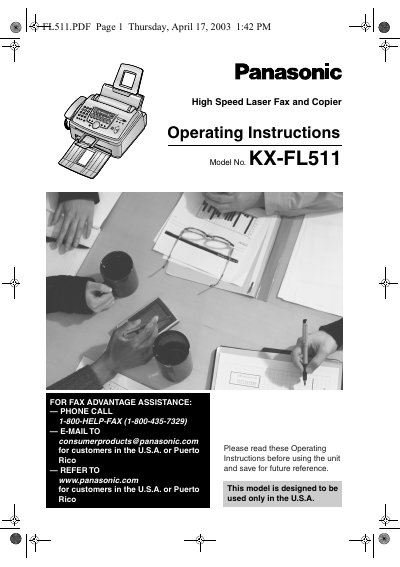

Panasonic KX-FL511 High Speed Laser Fax and Copier Operating Instructions - cover page
Brand
Panasonic
Category
Printer
Document type
User Manual
Language
English
Pages
82
File format
PDF
File size
7 MB
Published
07 August, 2012
Updated
30 September, 2023
MD5 checksum
27C044BE9FEA1E1D37CC44FD000F9C60

About this manual

This manual provides operating instructions for the Panasonic KX-FL511 High Speed Laser Fax and Copier. It covers safety precautions, installation, and the location of controls. The document details how to use the machine for faxing, copying, and making telephone calls, including features like Caller ID and distinctive ring services.

What's inside

  • Safety Instructions
  • Location of Controls
  • Installation
  • Fax Sending
  • Receiving Faxes
  • Copy
  • Programmable Features
  • Error Messages
  • Cleaning
  • Specifications

Specifications

Product TypeHigh Speed Laser Fax and Copier
Model NumberKX-FL511

Frequently asked questions

How should I clean the unit?

Unplug the unit from power outlets before cleaning and use a damp cloth; do not use liquid or aerosol cleaners.

What is the maximum time the drum unit can be exposed to light after opening its protection bag?

The drum unit must not be exposed to light for more than 5 minutes after opening the protection bag.

How long should a fax machine wait after moving from cold to warm areas before connecting it to power?

The unit should not be connected for about 30 minutes after moving from cold areas to warmer areas.

What specific action should be taken if toner comes into contact with the eyes?

If toner contacts the eyes, flush them thoroughly with water and seek medical treatment.

Download PDF (7 MB)

More Panasonic Manuals


View all Panasonic manuals →