
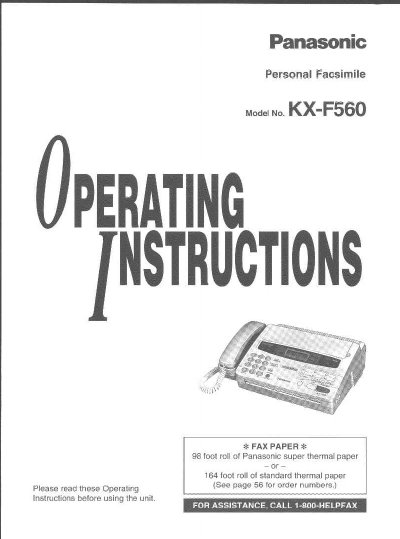
This document provides operating instructions for the Panasonic KX-F560 Personal Facsimile. It details initial setup procedures such as setting the date, time, logo, and telephone number. The guide explains how to install recording paper and connect the unit to power and telephone lines.
The manual covers making and answering voice calls using hands-free speakerphone features, as well as detailed instructions for sending and receiving faxes in various modes (FAX mode, TEL/FAX mode, and EXT. TAM mode). It also describes the copier function, automatic dialing capabilities, caller ID management, and troubleshooting steps for paper jams and error messages.
| Paper Type | Panasonic super thermal paper or standard thermal paper roll |
|---|---|
| Halftones | 64-level halftones |
| Resolution | Super fine resolution |
| One-touch Dialer Stations | 12 stations |
| Speed Dialer Stations | 28 stations |
It uses either a roll of Panasonic super thermal paper or a standard thermal paper roll.
Press MENU, select SYSTEM SET UP, press # then 01 for SET DATE & TIME, enter the values, and press START/SET.
Press MENU, select SYSTEM SET UP, press # then 02 for YOUR LOGO, enter up to 30 characters, and press START/SET.
Refer to the Troubleshooting and Maintenance section for instructions on clearing a recording paperjam.