
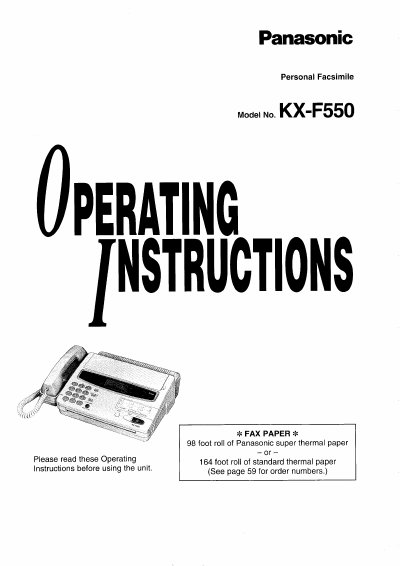
Panasonic KX-F550 Personal Facsimile Operating Instructions


Panasonic KX-F550 Personal Facsimile Operating Instructions - cover page
Brand
Panasonic
Category
Printer
Document type
User Manual
Language
English
Pages
68
File format
PDF
File size
2.7 MB
Published
07 August, 2012
Updated
17 August, 2012
MD5 checksum
92B05C72764ED42562D4EEF8E2AECA89

About this manual

This manual provides operating instructions for the Panasonic KX-F550 Personal Facsimile. It details how to install the unit, load recording paper, and connect it to telephone lines. The guide covers basic operations including making and answering voice calls, sending and receiving faxes with various resolution settings, and using the electronic telephone directory.

What's inside

  • Installation and Preparation
  • Making and Answering Voice Calls
  • Sending Documents
  • Receiving Documents
  • User Programmable Features
  • Storing Phone Numbers
  • Troubleshooting and Maintenance
  • Specifications

Specifications

Paper Roll Capacity (Super Thermal)98 foot roll
Paper Roll Capacity (Standard Thermal)164 foot roll
Document Feeder Capacityup to 15 sheets
Halftone Levels64-level

Frequently asked questions

What type of paper should be used for recording?

Use only the included roll or specified recording paper, such as Panasonic super thermal paper or standard thermal paper.

How many sheets can be loaded in the automatic document feeder?

The unit features an automatic document feeder capable of holding up to 15 sheets.

What are the available resolution settings for transmission?

Users can select from standard, fine, super fine, or halftone resolutions.

Download PDF (2.7 MB)

More Panasonic Manuals


View all Panasonic manuals →