
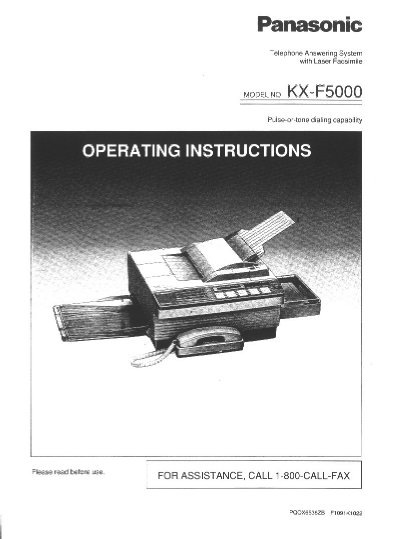
Panasonic KX-F5000 Laser Fax/Answering System Operating Instructions


Panasonic KX-F5000 Laser Fax/Answering System Operating Instructions - cover page
Brand
Panasonic
Category
Printer
Document type
User Manual
Language
English
Pages
148
File format
PDF
File size
4 MB
Published
07 August, 2012
Updated
17 August, 2012
MD5 checksum
27D8FCA8DCDA7589345D542653893EAF

About this manual

This document provides operating instructions for the Panasonic KX-F5000, a desktop multi-function system that integrates laser facsimile, an answering device, and a standard telephone into a single unit. It allows users to send and receive voice messages and documents on one line using automatic switching between modes.

What's inside

  • Important Information
  • User Information
  • Installation and Initial Preparation
  • Setting Up Your Unit
  • Programming Functions
  • Basic Instructions for Transmission
  • Receiving Modes

Frequently asked questions

What is the maximum number of pages that can be loaded into the automatic document feeder at once?

The unit's automatic document feeder can hold up to 20 pages at a time.

How long does it take to transmit one page of text data?

Transmission takes approximately 15 seconds per page when using the CCITT No. 1 test chart at maximum modem speed.

What is the Ringer Equivalence Number (REN) for this unit?

The REN for this equipment is 0.2B, which helps determine how many devices can be connected to a single telephone line.

Download PDF (4 MB)

More Panasonic Manuals


View all Panasonic manuals →