
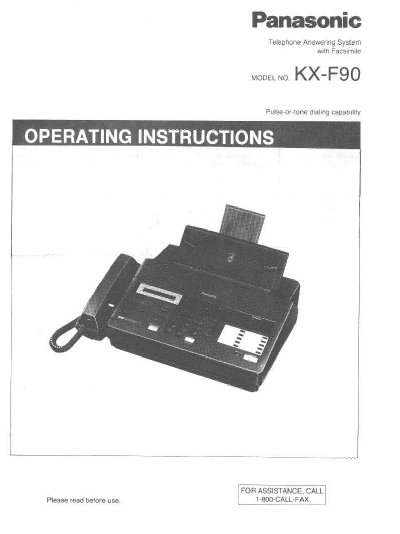
Panasonic KX-F90 Telephone Answering System Operating Instructions


Panasonic KX-F90 Telephone Answering System Operating Instructions - cover page
Brand
Panasonic
Category
Printer
Document type
User Manual
Language
English
Pages
104
File format
PDF
File size
2 MB
Published
07 August, 2012
Updated
17 August, 2012
Model
KX-F90
MD5 checksum
5076147F60E6CEC048920470FBBD861F

About this manual

This manual provides operating instructions for the Panasonic KX-F90 Telephone Answering System with Facsimile. The unit is a desktop device that combines three functions: a facsimile machine, an answering device, and an integrated telephone, all operating on a single line.

The document covers installation procedures, including connections and accessory setup. It details how to configure the system for different modes (TAD/FAX, FAX only, or Telephone) and explains features such as automatic fax/telephone switching, remote control via touch-tone phones, and network communication.

What's inside

  • Important Information
  • Installation and Connections
  • Selector Settings
  • Recording an Outgoing Message
  • Facsimile Transmission
  • Receiving Documents
  • Answering Device Functions
  • Telephone Operations
  • Network Communication
  • Troubleshooting

Frequently asked questions

What is the maximum number of pages the automatic document feeder can handle at once?

The automatic document feeder can hold up to 10 pages at a time.

How long does it take to transmit one page of text data?

Transmission time is approximately 17 seconds per page.

What is the Ringer Equivalence Number for this unit?

The Ringer Equivalence Number is 0.2B.

Download PDF (2 MB)

More Panasonic Manuals


View all Panasonic manuals →