
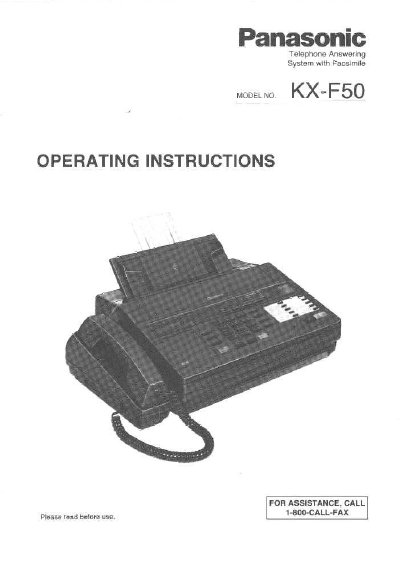
Panasonic KX-F50 Telephone Answering System Operating Instructions


Panasonic KX-F50 Telephone Answering System Operating Instructions - cover page
Brand
Panasonic
Category
Printer
Document type
User Manual
Language
English
Pages
76
File format
PDF
File size
1.5 MB
Published
07 August, 2012
Updated
17 August, 2012
Model
KX-F50
MD5 checksum
BBB2CCB6F0BB884359351D34EBA65A47

About this manual

This manual provides operating instructions for the Panasonic KX-F50 Telephone Answering System with Facsimile. The unit is a desktop device that combines the functions of a facsimile machine, an answering device, and an integrated telephone, allowing users to send and receive voice messages and documents on a single telephone line. It features automatic facsimile/telephone switching, enabling users to switch between functions during a call.

What's inside

  • Installation and Initial Preparation
  • The Buttons and Indicators
  • Micro Cassette Tape Installation
  • Recording Paper Installation
  • Selector Settings
  • Recording an Outgoing Message
  • Programming Functions
  • Transmitting Documents
  • Receiving Documents and/or Voice-Messages
  • Making Copies

Specifications

Ringer Equivalence Number0.2B
Transmission time per pageApproximately 17 seconds
Document feeder capacityup to 10 pages
Document size216 mm x 600 mm
CompatibilityCCITT G3

Frequently asked questions

Can I use this unit as a standard telephone?

Yes, you can select the TEL (Telephone) mode to use the unit as a standard telephone.

How does the automatic facsimile/telephone switching work?

The unit automatically distinguishes between voice and fax calls; if a fax tone is heard, it switches to fax mode, otherwise it functions as an answering device.

What is the maximum number of pages the automatic document feeder can handle?

The automatic document feeder can handle up to 10 pages at a time.

Download PDF (1.5 MB)

More Panasonic Manuals


View all Panasonic manuals →