
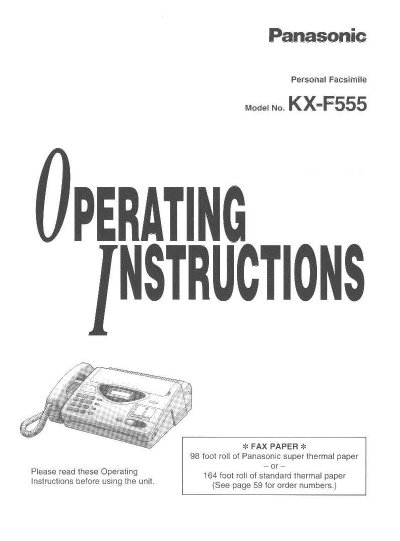
Panasonic KX-F555 Personal Facsimile Operating Instructions


Panasonic KX-F555 Personal Facsimile Operating Instructions - cover page
Brand
Panasonic
Category
Printer
Document type
User Manual
Language
English
Pages
68
File format
PDF
File size
1.8 MB
Published
07 August, 2012
Updated
17 August, 2012
MD5 checksum
54E0D264BB2B8F2346B8A90625D3F410

About this manual

This document provides operating instructions for the Panasonic KX-F555 Personal Facsimile. It covers general setup including installing recording paper and connecting power lines. The manual details how to make and answer voice calls using the built-in speakerphone or handset, as well as how to store phone numbers in the electronic telephone directory.

What's inside

  • Installation and Preparation
  • Making and Answering Voice Calls
  • Sending Documents
  • Receiving Documents
  • User Programmable Features
  • Troubleshooting and Maintenance

Frequently asked questions

What type of paper should be used with the Panasonic KX-F555?

The unit requires either a roll of Panasonic super thermal paper or standard thermal paper.

How many sheets can the automatic document feeder hold?

The automatic document feeder is capable of handling up to 15 sheets.

Download PDF (1.8 MB)

More Panasonic Manuals


View all Panasonic manuals →