
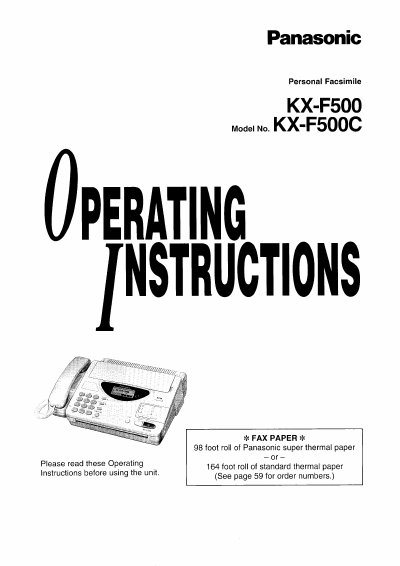
This manual provides operating instructions for the Panasonic KX-F500 Personal Facsimile. It details the installation process, including how to install the recording paper and paper stacker, as well as connection settings. The document covers basic operations for making and answering voice calls, as well as transmitting and receiving fax documents.
| Paper Roll Capacity | 98 foot roll of Panasonic super thermal paper |
|---|---|
| Paper Roll Capacity | 164 foot roll of standard thermal paper |
| Document Feeder Capacity | up to 15 sheets |
| Halftone Levels | 64-level |
| Resolution Options | standard/ine/super fine/halftone |
| One-Touch Dialer Capacity | 10 phone numbers |
| Speed Dialer Capacity | 22 stations |
The unit requires a 98 foot roll of Panasonic super thermal paper or a 164 foot roll of standard thermal paper.
The automatic document feeder can hold up to 15 sheets.
The available resolution options are standard, fine, super fine, and halftone.