
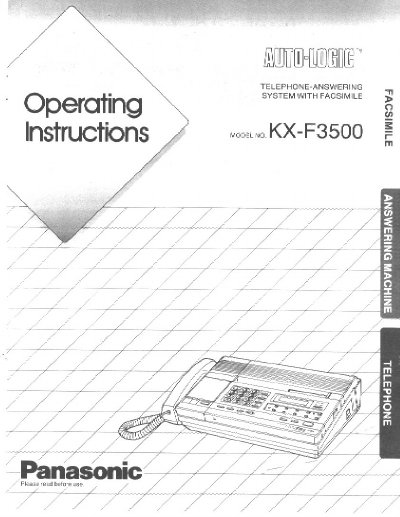
Panasonic KX-F3500 Telephone-Answering System with Facsimile User Manual


Panasonic KX-F3500 Telephone-Answering System with Facsimile User Manual - cover page
Brand
Panasonic
Category
Printer
Document type
User Manual
Language
English
Pages
54
File format
PDF
File size
1.6 MB
Published
07 August, 2012
Updated
17 August, 2012
MD5 checksum
58525C7D30B0AC00F5BC69F909EBFC09

About this manual

This manual provides instructions for the Panasonic KX-F3500 Telephone-Answering System with Facsimile. The unit functions as a facsimile, an answering machine, and a telephone utilizing a single telephone line, allowing users to receive both voice messages and documents. It features automatic telephone/facsimile switching and auto-answer modes.

What's inside

  • System Setup
  • Basic Operation
  • Manual Transmission and Reception
  • Automatic Document Reception
  • Preparing the Answering Machine
  • Operating the Answering Machine
  • Manual Dialing and Reception
  • Speed Dialing and One-Touch Dialing
  • Other Features
  • Troubleshooting Guide

Specifications

Fax Numbers Storage10 numbers
Transmission Speed9600
Redialing Capabilityup to 15 times

Frequently asked questions

How does the unit switch between telephone and facsimile modes?

The unit automatically switches between Answering Machine and Facsimile based on the caller's voice. If no voice is heard within 5 seconds after the Outgoing Message, it switches to FAX mode.

How many fax numbers can be stored for one-touch dialing?

The unit can store 10 fax numbers for one-touch dialing.

Download PDF (1.6 MB)

More Panasonic Manuals


View all Panasonic manuals →