
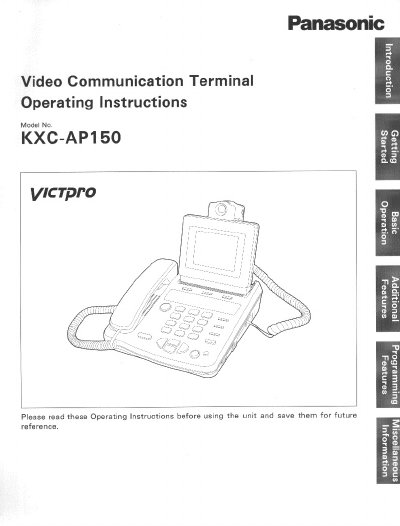
Panasonic KXC-AP150 Video Communication Terminal Operating Instructions


Panasonic KXC-AP150 Video Communication Terminal Operating Instructions - cover page
Brand
Panasonic
Category
Telephone
Document type
User Manual
Language
English
Pages
98
File format
PDF
File size
2 MB
Published
07 August, 2012
Updated
30 August, 2012
MD5 checksum
8BA02C7F340B28B4F20A470367765904

About this manual

This document provides operating instructions for the Panasonic KXC-AP150 Video Communication Terminal. It details the kit composition, safety precautions, and initial setup procedures including connection and camera adjustments. The guide explains how to make voice and video calls, manage call logs, and adjust video and audio settings.

What's inside

  • Important Safety Instructions
  • Operation Overview
  • Getting Connection/Initial Setup
  • Making a Voice Call
  • Making a Video Call
  • Communication Logs
  • Video/Sound Control
  • Programming Using the Dial Buttons
  • Auto Answering
  • Specifications

Frequently asked questions

What is the model number of this video communication terminal?

The model number is KXC-AP150.

What is the minimum distance required between the unit and a wall?

You must position the unit at least 20 cm away from any wall.

What are the temperature limits for using this unit?

Do not use the unit at temperatures above 35°C or below 5°C.

Download PDF (2 MB)

More Panasonic Manuals


View all Panasonic manuals →