
This manual provides detailed instructions on the function and use of the KX-DT321 Digital Proprietary Telephone.
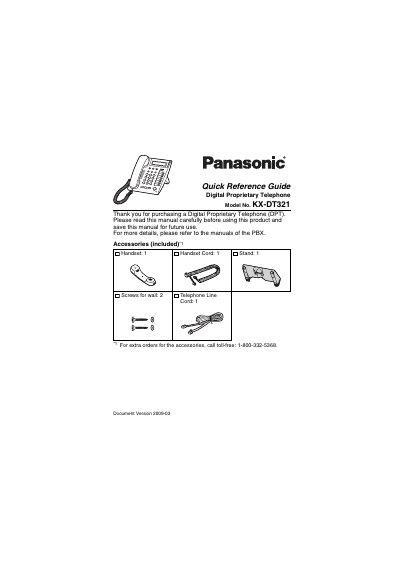
This document is a Quick Reference Guide for the Panasonic KX-DT321 Digital Proprietary Telephone (DPT). It provides instructions on the location and function of the device's controls, including the LCD, Auto Dial/Store, Auto Ans/Mute, and various feature buttons like Transfer, Hold, and Speakerphone. The guide also details how to adjust settings such as speaker volume, ringer volume, and LCD contrast.
| Product Type | Digital Proprietary Telephone |
|---|---|
| Model Number | KX-DT321 |
| Document Version | 2009-03 |
It is used for System/Personal Speed Dialing or storing program changes.
Press the HOLD button to place a call on hold.
The lamp flashes red when you receive a call and stays on red when someone has left you a message.