
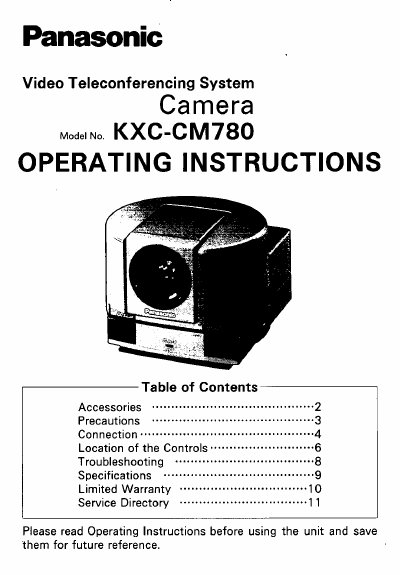
Panasonic KXC-CM780 Video Teleconferencing Camera Operating Instructions


Panasonic KXC-CM780 Video Teleconferencing Camera Operating Instructions - cover page
Brand
Panasonic
Category
Camcorders
Document type
User Manual
Language
English
Pages
12
File format
PDF
File size
170 KB
Published
07 August, 2012
Updated
30 August, 2012
MD5 checksum
22F5AA54AE38D3A3D1BEA3C056D8D654

About this manual

This document provides operating instructions for the Panasonic KXC-CM780 Video Teleconferencing System Camera. It details the included accessories, such as the RCA Video Cable and Camera Control Cable, and explains how to connect the unit to a codec and auxiliary cameras.

What's inside

  • Accessories
  • Precautions
  • Connection
  • Location of the Controls
  • Troubleshooting
  • Specifications
  • Limited Warranty
  • Service Directory

Frequently asked questions

What cables are required for FCC compliance?

The user must use only the provided Camera Control Cable, RCA Video Cable, and Camera DC Cable.

Where is the power switch located?

The power switch is located on the rear view of the camera.

Download PDF (170 KB)

More Panasonic Manuals


View all Panasonic manuals →