
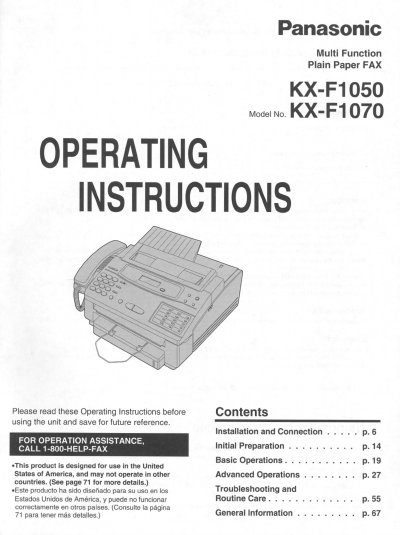
This manual provides comprehensive operating instructions for the Panasonic KX-F1050 and KX-F1070 Multi Function Plain Paper FAX units. It covers initial setup, including connecting telephone lines and adjusting volumes, as well as configuring settings like date, time, and facsimile numbers.
The guide details basic operations such as making voice calls, transmitting and receiving documents, and using the copier functions. It also explains advanced features including automatic dialing, polling for document retrieval, delayed transmission, and special reception modes like junk mail prohibition and distinctive ring service.
The unit performs the functions of a plain paper facsimile, copier, scanner, PC Fax, telephone, and printer.
The included film produces approximately 70 pages of letter size documents.
You should use an RS232C cable that is five feet or shorter for reliable data communications.