
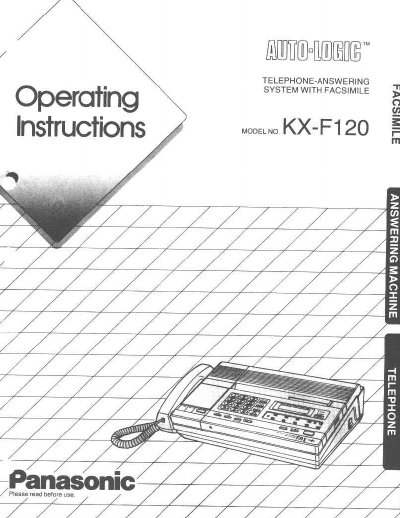
Panasonic KX-F120 Telephone-Answering System with Facsimile Instructions


Panasonic KX-F120 Telephone-Answering System with Facsimile Instructions - cover page
Brand
Panasonic
Category
Printer
Document type
User Manual
Language
English
Pages
54
File format
PDF
File size
1.5 MB
Published
07 August, 2012
Updated
17 August, 2012
Model
KX-F120
MD5 checksum
242AA9A9AB2CA13BC44DC9DFC22AE551

About this manual

This manual provides instructions for the Panasonic KX-F120, a multi-function system that utilizes a single telephone line to function as a telephone, answering machine, and facsimile device. It allows users to speak with callers or receive documents automatically, record voice messages, and transmit documents with one-touch dialing. The unit features automatic switching between telephone and fax modes and includes an automatic document feeder.

What's inside

  • System Setup
  • Operating the Answering Machine
  • Facsimile Transmission and Reception
  • Manual Transmission and Reception
  • Automatic Document Reception
  • Convenient Operation
  • Voice Contact
  • Remote Operation
  • Telephone Dialing
  • Other Features

Specifications

Document Feeder Capacityup to five pages at a time
Fax Number Storage10 (30 digits) fax numbers
Transmission Speed9600
Redial Capabilityup to 15 times
Image Quality16-step HALF-TONE

Frequently asked questions

Can I transmit and receive documents manually?

Yes, if you are in the middle of a conversation and want to transmit or receive a document, simply push the START/COPY button.

What functions does this unit perform using a single telephone line?

The unit functions as a facsimile, an answering machine, and a telephone.

How many pages can the automatic document feeder handle at once?

The automatic document feeder handles up to five pages at a time.

What is the maximum number of digits supported for one-touch dialing?

You can store 30 digits for one-touch dialing fax numbers.

Download PDF (1.5 MB)

More Panasonic Manuals


View all Panasonic manuals →