
This manual describes how to connect the telephone line, make and receive calls, and use the speed dial and one-touch dial functions.
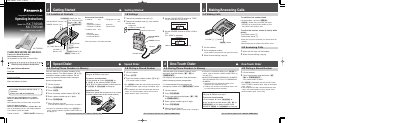
This document provides operating instructions for the Panasonic KX-TS550B (black) and KX-TS550W (white) integrated telephone systems. It details how to connect the device, store phone numbers in memory stations or one-touch auto dial buttons, and adjust settings such as ringer volume and dialing mode.
The guide also covers special features including call waiting, temporary tone dialing for rotary lines, and using pause functions for PBX access. Additionally, it includes instructions for wall mounting the unit, troubleshooting common issues like failure to ring or store numbers, and general care guidelines.
| Power Source | From telephone line |
|---|---|
| Dimensions (H x W x D) | Approx. 96 mm x 150 mm x 200 mm |
| Memory Capacity | Up to 10 phone numbers in memory stations |
You can store up to 10 phone numbers in the memory stations.
Yes, by pressing the TONE button before entering access numbers that require tone dialing.