
This manual provides detailed instructions on how to install, connect, set up, and use the KX-TS4200 telephone system.
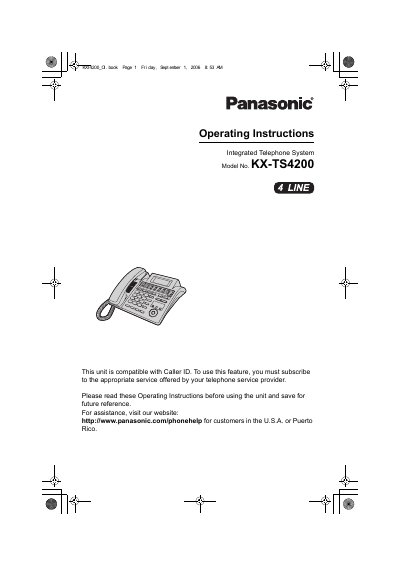
This manual provides operating instructions for the Panasonic KX-TS4200 Integrated Telephone System. It covers essential safety precautions, installation steps including connecting handsets and telephone lines, and initial setup procedures such as setting the display language and date/time.
The guide details how to make and answer calls using various features like Caller ID, Voice Mail, Do Not Disturb, and Call Privacy. It also explains advanced functions such as transferring calls, conference calling, intercom/paging between units, and programming phonebook entries and speed dial preferences.
| Compatibility | Caller ID |
|---|
You must subscribe to the appropriate service offered by your telephone service provider.
The product should not be placed in rooms where the temperature is less than 5 °C (41 °F) or greater than 40 °C (104 °F).
You must use a standard store bought 9 V Alkaline battery.