
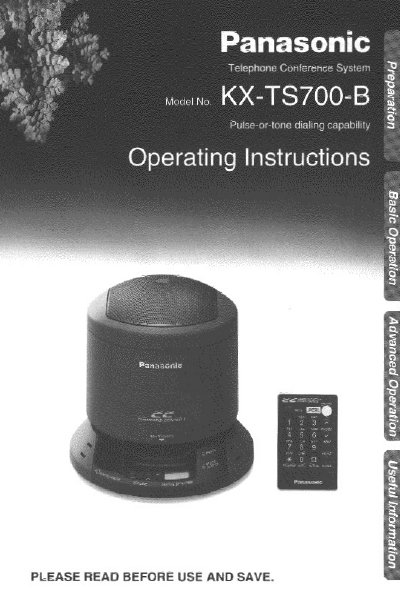
This manual provides operating instructions for the Panasonic KX-TS700-B telephone conference system. It details how to install the battery in the remote control, connect the AC adaptor and telephone line cord, and locate various controls on the unit and remote.
The guide covers making and answering calls, including automatic dialing, storing phone numbers in memory, and using special features like call waiting service. It also explains how to add another phone, record conversations on an audio tape, mute conversations, and use the flash button for PBX connections.
| Product Type | Full duplex digital speakerphone |
|---|---|
| Battery Type | CR2025 Lithium Battery |
Place the unit in a central location away from obstructions such as walls and avoid table edges.
You must use a Panasonic CR2025 lithium battery; using another type may present a risk of fire or explosion.