
Panasonic KX-TS500B/KX-TS500W Integrated Telephone System Operating Instructions

This user manual introduces the basic operations of the PANASONIC KX-TS500 phone. Including dialing, answering, setting ring mode, redialing, etc.
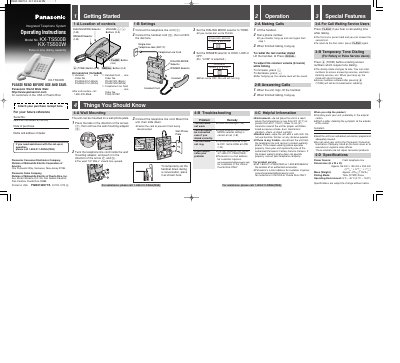

Panasonic KX-TS500B/KX-TS500W Integrated Telephone System Operating Instructions - cover page
Brand
Panasonic
Category
Telephone
Document type
User Manual
Language
English
Pages
2
File format
PDF
File size
321 KB
Published
06 August, 2012
Updated
30 September, 2023
MD5 checksum
B9EBA328F713D4FE5EECA051EB43A113

About this manual

This document provides operating instructions for the Panasonic KX-TS500B and KX-TS500W Integrated Telephone System. It details the location and settings of controls such as the Dialing Mode and Ringer selectors, as well as the included accessories like the handset and cords. The guide explains how to make and answer calls, adjust volume, and utilize special features like Call Waiting and temporary tone dialing.

What's inside

  • Getting Started
  • Making Calls
  • Answering Calls
  • Call Waiting Service
  • Temporary Tone Dialing
  • Wall Mounting
  • Troubleshooting
  • Specifications

Specifications

DimensionsApprox. 96 mm x 150 mm x 200 mm

Frequently asked questions

What should I do if the unit does not ring?

Check if the RINGER selector is set to OFF and change it to HIGH or LOW.

Download PDF (321 KB)

More Panasonic Manuals


View all Panasonic manuals →