
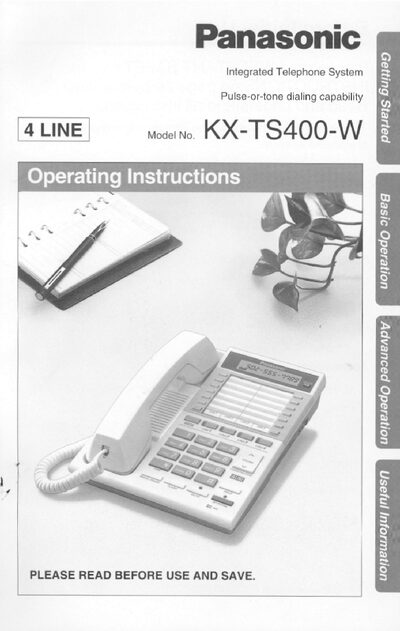
This manual covers the installation and configuration of the Panasonic KX-TS400-W integrated telephone system, including connecting the handset, AC adaptor, and telephone line cords. It explains the location of controls, display functions, and how to set selectors such as dialing mode and ringer volume.
The guide also details safety precautions, FCC information, and service procedures. It includes instructions for programming functions, storing numbers, and handling emergencies, as well as shipping and warranty information.
| Ringer Equivalence Number (REN) | 02B |
|---|---|
| REN (Power Failure) | 10B |
| Required Network Interface Jack | RJ11, RJ14 |
| Recommended AC Adaptor | Panasonic AC ADAPTOR KX-A09 |
| Operating Temperature Range | 5 °C to 40 °C (41 °F to 104 °F) |
| Clearance Around Unit | 10 cm (4") |
Only the Panasonic AC ADAPTOR KX-A09 should be used and must remain connected at all times.
The REN is 02B under normal conditions and 10B during a power failure.
Unplug the unit from the wall outlet before cleaning and use a damp cloth.