
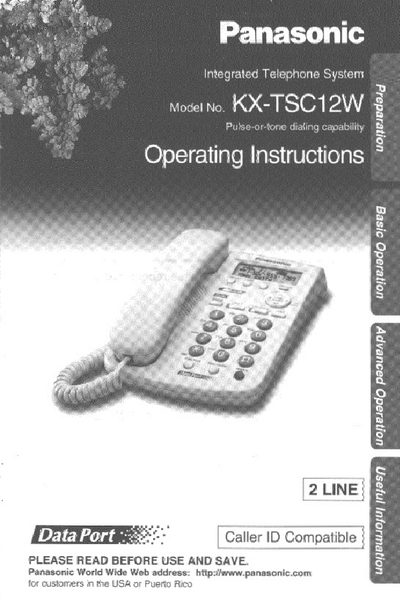
Panasonic KX-TSC12W Integrated Telephone Operating Instructions


Panasonic KX-TSC12W Integrated Telephone Operating Instructions - cover page
Brand
Panasonic
Category
Telephone
Document type
User Manual
Language
English
Pages
52
File format
PDF
File size
1.1 MB
Published
06 August, 2012
Updated
06 August, 2012
MD5 checksum
005A198BF3C003797D46286AC4117DBB

About this manual

This document provides operating instructions for the Panasonic KX-TSC12W integrated telephone system. It details the location of controls, display functions, and initial setup procedures including connecting the handset, AC adaptor, and telephone line cords. The manual also explains how to adjust settings such as LCD contrast, dialing mode, and ringer volume.

What's inside

  • Location of Controls
  • Display
  • Settings
  • Connecting the Handset/AC Adaptor
  • Connecting the Telephone Line Cord
  • Making Calls
  • Answering Calls
  • Caller ID Service
  • Speed Dialer
  • Voice Mail Service

Specifications

Lines2 LINE
Caller IDCompatible
HandsetOne included
AC AdaptorOne included

Frequently asked questions

What AC adaptor should be used with this unit?

You must use only the Panasonic AC Adaptor KX-TCA1 (Order No. KX-TCA1-G).

Can I use a non-Panasonic handset with this phone?

No, the manual states to use only a Panasonic Handset for the KX-TSC12W.

Download PDF (1.1 MB)

More Panasonic Manuals


View all Panasonic manuals →